
Download DSC Token Drivers & Utilities
Get the right drivers and tools for your DSC token to ensure smooth installation and hassle-free e-filing
GET 50% DISCOUNT on DSC ORDERS
To use your Digital Signature Certificate (DSC), you need to install the correct driver for your USB token. Please download the driver that matches your token brand and operating system. Installing the correct driver ensures smooth functioning of your DSC for e-filing, GST, MCA, DGFT, and other portals
🔑 Token Driver Downloads
Installation Instructions
- Download the correct driver for your token brand.
- Unplug the token from your system before installation.
- Run the installer as Administrator.
- Restart your system after installation.
- Plug in your token and check in Device Manager or Token Manager Tool.
FAQs
How do I know which token driver to download?
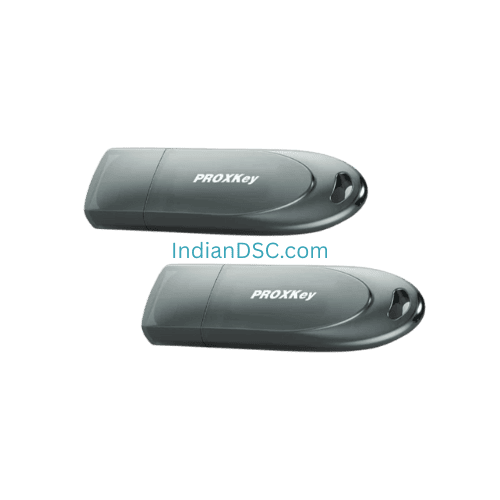
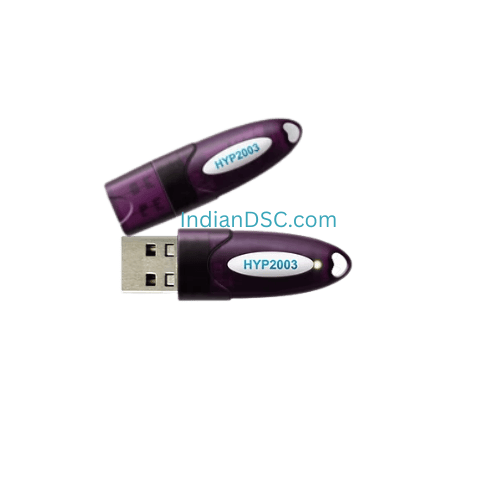
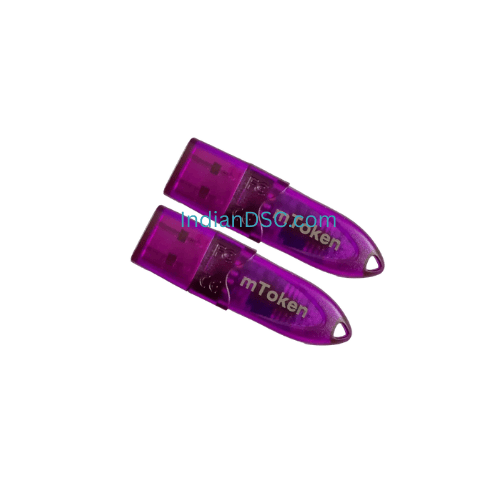
Check the brand name printed on your USB token (e.g., ProxKey, ePass, TrustKey).
Can I use the same token on multiple PCs?
Yes, you can install the driver on multiple systems and use the token.
What if the portal is not detecting my DSC?
Reinstall the driver, ensure Java/EmSigner are installed, and restart your browser.
Do these drivers work on Windows 11?
Yes, all listed drivers support Windows 7/8/10/11 (both 32 & 64 bit).