Namaste friends, if you’re a small business owner eyeing those lucrative government contracts or an entrepreneur in the construction or supply chain game, e-tendering is your golden ticket to growth. But let’s be honest – bidding on platforms like GeM or CPPP can feel like navigating a maze without a map, especially when Digital Signature Certificate (DSC) errors throw you off track. In India, where government procurement is worth over ₹2 lakh crore annually (as per GeM data), using a Class 3 DSC correctly is the key to securing your bid without delays or rejections. At IndianDSC.com, we’ve empowered hundreds of SMEs, from Kerala road contractors to Mumbai suppliers, to win tenders using DSCs seamlessly. In this in-depth guide, I’ll walk you through how to use DSC for e-tendering in India, step by step, in simple language like we’re discussing strategies over a steaming plate of biryani. Whether you’re new to tenders or troubleshooting old bids, this will equip you with everything from setup to advanced tips. Let’s turn those opportunities into wins!
What is e-Tendering and Why Does DSC Matter for It?
To set the stage, e-tendering is the online process for government and public sector bids, replacing paper-based systems to make procurement transparent and efficient. Platforms like Government e-Marketplace (GeM), Central Public Procurement Portal (CPPP), and state e-procurement sites (e.g., Kerala e-Tender) handle everything from road projects to medical supplies. In 2025, with Digital India 2.0 pushing for 100% digital procurement, e-tendering is mandatory for most contracts, saving the government ₹50,000 crore in paperwork alone (per NITI Aayog).
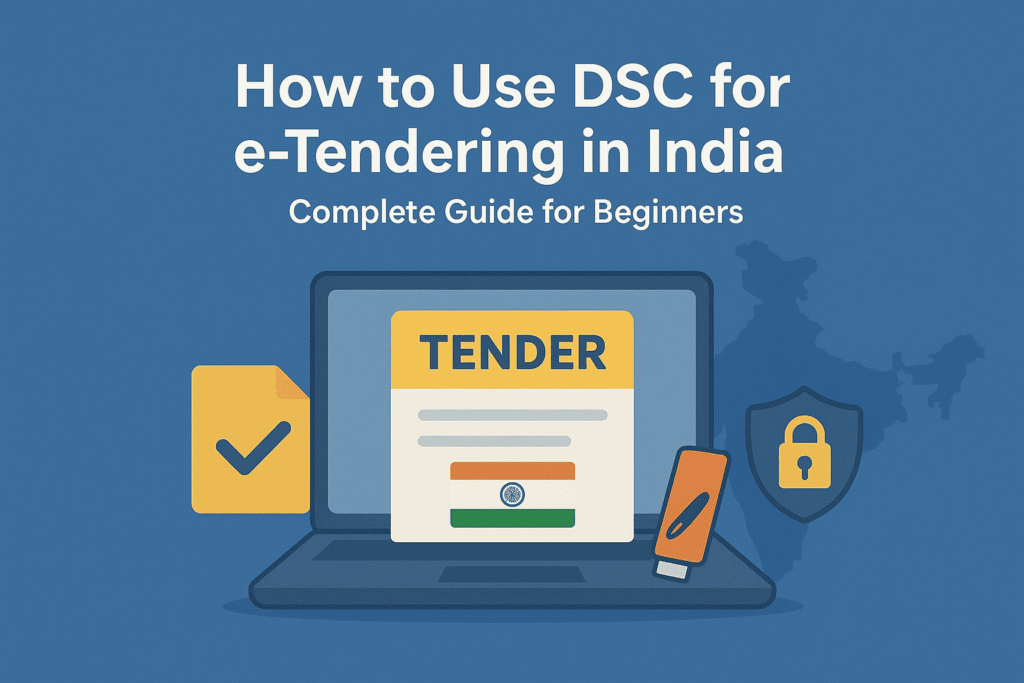
Now, where does DSC fit in? A Digital Signature Certificate (DSC) is your electronic signature, and for e-tendering, a Class 3 DSC is non-negotiable. It’s the highest security level, requiring thorough KYC like video verification, ensuring your bid is authentic and tamper-proof. Without it, you can’t digitally sign tender documents, submit bids, or even register as a vendor – your application gets rejected outright.
For small businesses, this means missing out on 30% of government contracts reserved for MSMEs (MSME Act). A Class 3 DSC, stored on a USB token like ProxKey or ePass, uses PKI encryption to verify your identity on portals. It’s legally binding under the IT Act, 2000, just like a handwritten signature. At IndianDSC.com, our Class 3 DSCs start at ₹829 for 2-year validity, with free token shipping – perfect for budget-conscious bidders. In a market where 6.3 crore SMEs contribute 30% to GDP, mastering DSC for e-tendering isn’t optional; it’s your edge over competitors.
The Key Benefits of Using DSC for e-Tendering
Before the how-to, let’s explore why Class 3 DSC is a must-have for e-tendering success. These benefits can transform your bidding game.
First, ironclad security: E-tenders involve sensitive data like pricing and specs. Class 3 DSC encrypts submissions, preventing hacks or alterations – crucial when bids are worth lakhs. CERT-In reports 20% rise in cyber attacks on SMEs in 2024; DSC shields you.
Second, speed and convenience: Sign and submit bids in minutes from anywhere – no printing or couriering. For a Kerala supplier, this means bidding on Delhi tenders without travel, saving ₹5,000-10,000 per bid.
Third, cost efficiency: Digital signing cuts paper, stamp, and agent fees (₹2,000-5,000 per tender). GeM waives fees for DSC users, boosting your margins. For MSMEs, this means more bids, more wins.
Fourth, compliance assurance: Portals like CPPP mandate Class 3 DSC for high-value tenders (>₹10 lakh). It creates an audit trail, reducing disputes and late fees.
Fifth, growth accelerator: Winning one tender opens doors to more – DSC integration with tools like eProcure lets you automate bids, scaling from local to national projects.
A Coimbatore constructor won a ₹50 lakh road tender using our DSC, crediting the seamless signing for beating deadlines. With e-tendering volumes up 25% in 2025 (per GeM), these benefits are your competitive secret.
Essential Requirements for Using DSC in e-Tendering
Prep work is key – here’s what you need for smooth sailing.
- Class 3 DSC: From IndianDSC.com – choose signing for basic bids or combo for encryption-heavy ones.
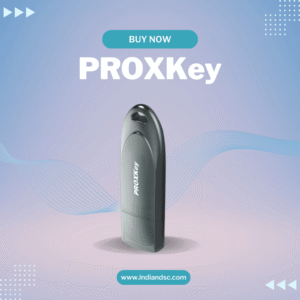
- USB Token: ePass or ProxKey for secure storage (included in our packages).
- Software: emSigner for GeM/CPPP; download from portals.
- System Setup: Windows/Mac with Java 8+, updated browser (Chrome), stable internet.
- Vendor Registration: GSTIN, PAN, bank details on GeM (free, DSC-signed).
For NRIs bidding on Indian tenders, attested passport works for KYC. Our Documents Checklist has templates. Total setup time: 30 minutes.
Step-by-Step Guide to Register DSC for e-Tendering Portals
Registration links your DSC to the portal – do this once.
For GeM Portal
- Visit gem.gov.in, register as seller (Aadhaar OTP or DSC).
- Log in, go to “My Profile > Digital Signature.”
- Download GeM emSigner, install as admin.
- Plug token, select Class 3 DSC, enter PIN.
- Verify – success message appears. Test with sample bid.
For CPPP Portal
- cpportal.gov.in, log in with user ID.
- “Profile Management > Register DSC.”
- Install CPPP signer tool.
- Insert token, choose certificate, PIN – submit for approval (1 day).
For State Portals (e.g., Kerala e-Tender)
- etenders.kerala.gov.in, register vendor.
- “DSC Registration” section.
- Upload token drivers, sign with DSC.
- Email verification – ready in hours.
Track in My Account. If errors, see our troubleshooting guide.
How to Use DSC for Submitting e-Tenders: Detailed Walkthrough
Now, the action part – bidding with DSC.
Step 1: Find and Download Tender
On GeM, search by category (e.g., “office supplies”). Download NIT (Notice Inviting Tender) – review eligibility.
Step 2: Prepare Bid Documents
Gather BOQ (Bill of Quantities), technical bids, price schedules. Use Word/PDF; ensure no watermarks.
Step 3: Digitally Sign Documents
- Open emSigner, load docs.
- Plug token, select Class 3 DSC, enter PIN.
- Click “Sign” – encrypted PDF generated.
Step 4: Submit Bid
- Upload signed docs to portal.
- Review summary, DSC-sign the entire bid.
- Submit – get ARN (Acknowledgment Receipt Number).
Step 5: Track and Amend
Monitor status in dashboard. Amend if needed (DSC-signed addendum).
For CPPP, use “Bid Submission” module – same signing process. A ₹10 lakh GeM bid takes 20 minutes with DSC.
Common DSC Errors in e-Tendering and Quick Fixes
E-tenders amplify errors – here’s how to handle.
- DSC Not Detected: Reinstall emSigner; check USB.
- PIN Invalid: Reset via token software.
- Name Mismatch: Update vendor profile.
- Timeout: Save draft, submit off-peak.
Full fixes in our Troubleshooting Guide.
Advanced Tips for Winning e-Tenders with DSC
To stand out:
- Pre-Qualify: Register on multiple portals; use DSC for fast approvals.
- Automate: Integrate with bid management tools like TenderTiger.
- NRI Bidding: Video KYC for remote access.
- Cost Optimization: Choose 3-year DSC for long-term savings.
- Compliance Check: Use DSC for all docs to avoid disqualification.
A Surat supplier won 5 tenders in 2024 using these tips, netting ₹2 crore.
FAQs: e-Tendering with DSC Answered
Q: Is Class 3 DSC mandatory for GeM? A: Yes for bids >₹5 lakh; Class 2 for smaller.
Q: How long to register DSC on CPPP? A: 1 day.
Q: Can NRIs bid with DSC? A: Yes, with attested passport.
Q: Cost of DSC for tenders? A: ₹829+ from Shop Page.
Q: Error during submission? A: Save draft; contact helpline.
Final Thoughts: Master e-Tendering with DSC and Grow Your Business
Using DSC for e-tendering in India is your shortcut to government contracts and growth. At IndianDSC.com, we make it easy with affordable Class 3 DSCs and support. Visit Shop Page or About Us. Questions? Contact Us or 7994725511. Bid smart, win big!